
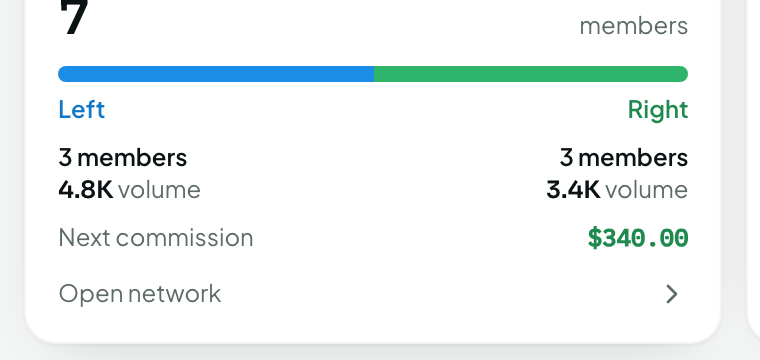
Quick answer: The Network page shows your position at the top with your left and right legs beneath. Each leg shows its total points this cycle, carry-over from previous cycles, and the members in it. Click a member to expand their legs.
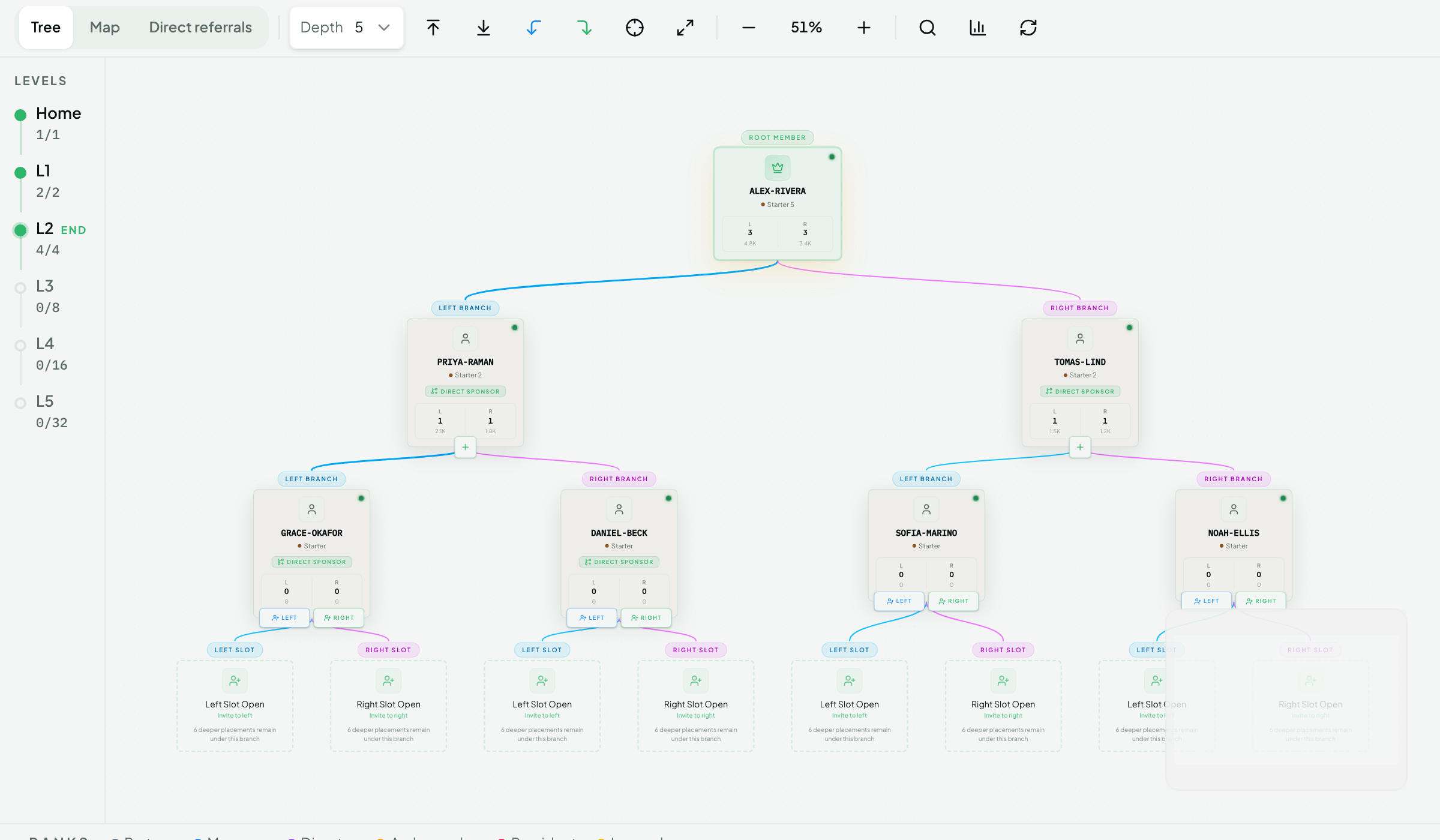
What you can see
Item | Where |
|---|---|
Left-leg and right-leg points (this cycle) | Top of the Network page and on Overview |
Carry-over points per leg | Next to each leg total |
Which leg is currently weak/strong | Highlighted on the leg headers |
Your personal referrals | Personals tab — with an "active" indicator once they've made a $50+ purchase or hold a stake |
Members placed under you | Tree view — expand nodes to go deeper |
Team Reward generations | Team tab — generation 1 and 2 with their Binary earnings |
Privacy
You see full details (name, activity) for members you personally referred. For members placed in your legs by spillover, you see limited information — position, activity status and points contribution — but not their personal details. Members below you never see your earnings.
Understanding the numbers
Points update as partner purchases settle and stakes activate.
Leg totals include everything below the leg, at any depth.
After each weekly cycle, matched points are removed from both legs and the strong-leg remainder appears as carry-over.
Related questions
Why is my weak leg 0? Nobody on that leg has made an eligible purchase or staked yet. Points only come from real activity.
A member disappeared from my tree. Members are not moved, but suspended accounts may be hidden. Contact support if you believe it's an error.