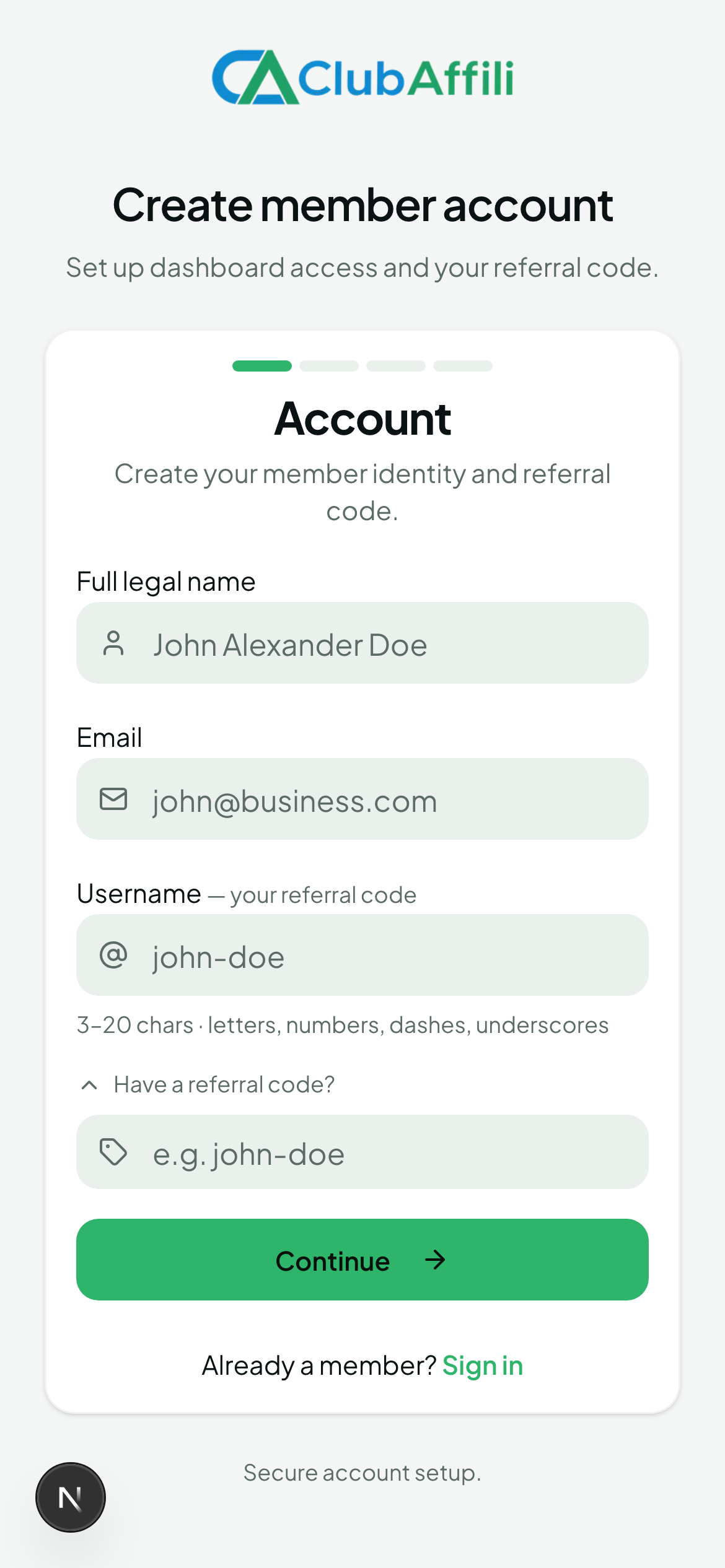
Quick answer: Open the referral link you were given (or go to the ClubAffili website), click Register, enter your details, accept the terms and confirm your email. Registration is free and takes about two minutes.
Before you start
If someone introduced you, use their referral link or have their referral code ready. This places you in their network and makes them your sponsor. A sponsor cannot be changed after registration.
Have a working email address — you'll need to confirm it.
Steps
Open the registration page. Click the referral link you received, or visit the ClubAffili website and choose Register. If you used a referral link, the referral code is filled in automatically.
Choose the program (tenant). If more than one ClubAffili program is available, select the one you were invited to.
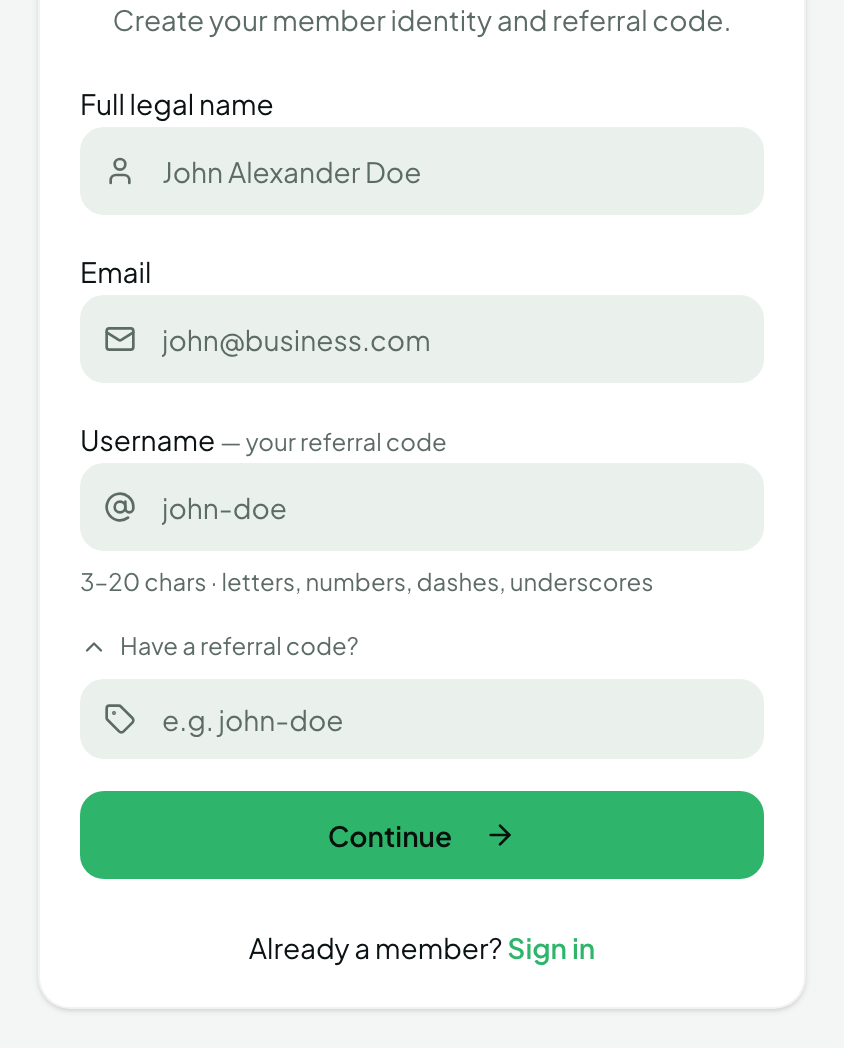
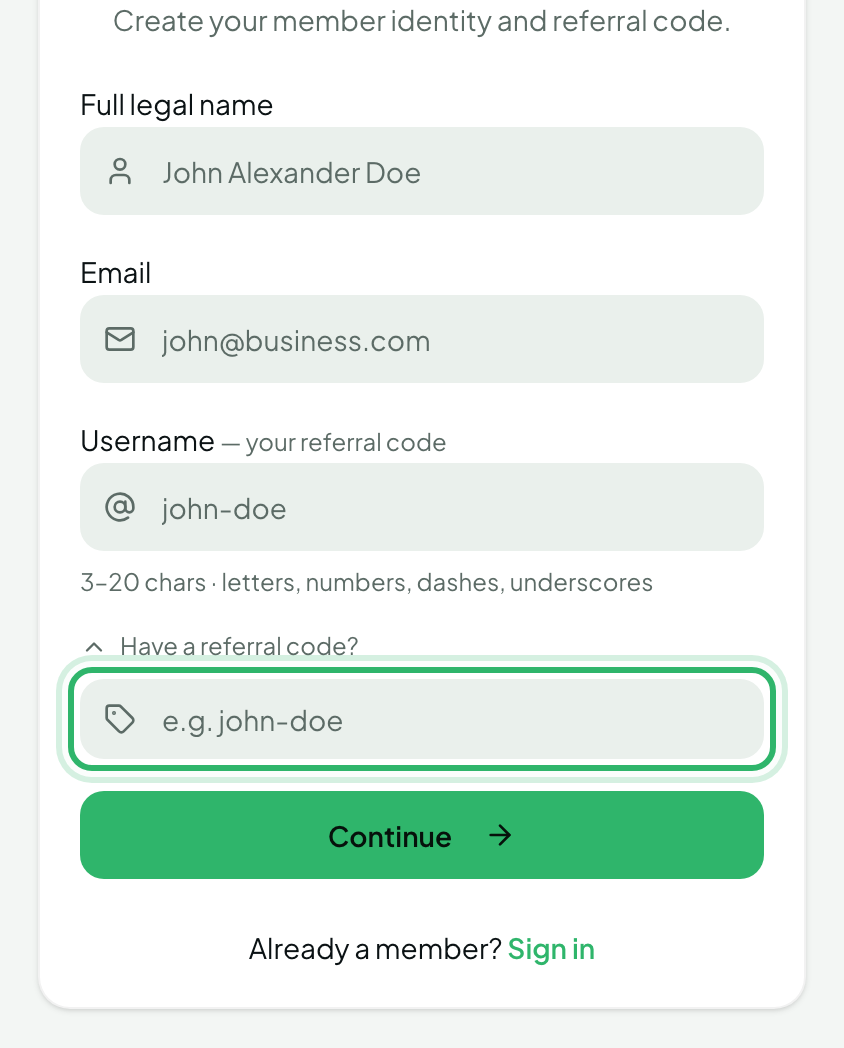
Enter your details. Name, email address and a password. Enter or check the referral code if you have one.
Accept the terms. Read and accept the Terms of Service and Privacy Policy.
Submit and confirm your email. Check your inbox (and spam folder) for the confirmation email and click the link.
Log in. You land on your dashboard, where your own referral link is ready to share.
What happens behind the scenes
When you register with a referral code, ClubAffili records the person who referred you as your sponsor and automatically places you in a position in the binary network tree (left or right leg). You don't need to do anything for this — placement is automatic. See Sponsor vs. placement in the Your Network collection.
Related questions
I registered without a referral code — can I add one later? No. Sponsor and placement are fixed at registration. If you meant to join under someone, contact support before making any purchases or building your network.
The referral code says "invalid". Check for typos and make sure the code belongs to the same program you are registering for. Ask the person who invited you to resend their link.
I didn't receive the confirmation email. Check spam/junk, wait a few minutes, then use Resend confirmation on the login page. If it still doesn't arrive, contact support with the email address you used.
Can I have more than one account? No. One person, one account. Duplicate accounts may be suspended and rewards withheld.