
Quick answer: Log in, open Club Token in your dashboard, choose Buy, enter the amount, pay, and the tokens are delivered to your connected wallet.
Note: the in-website purchase flow is being rolled out with the next platform release. If you don't see a Buy button yet, you can buy on Uniswap in the meantime — see How to buy Club Token on Uniswap.
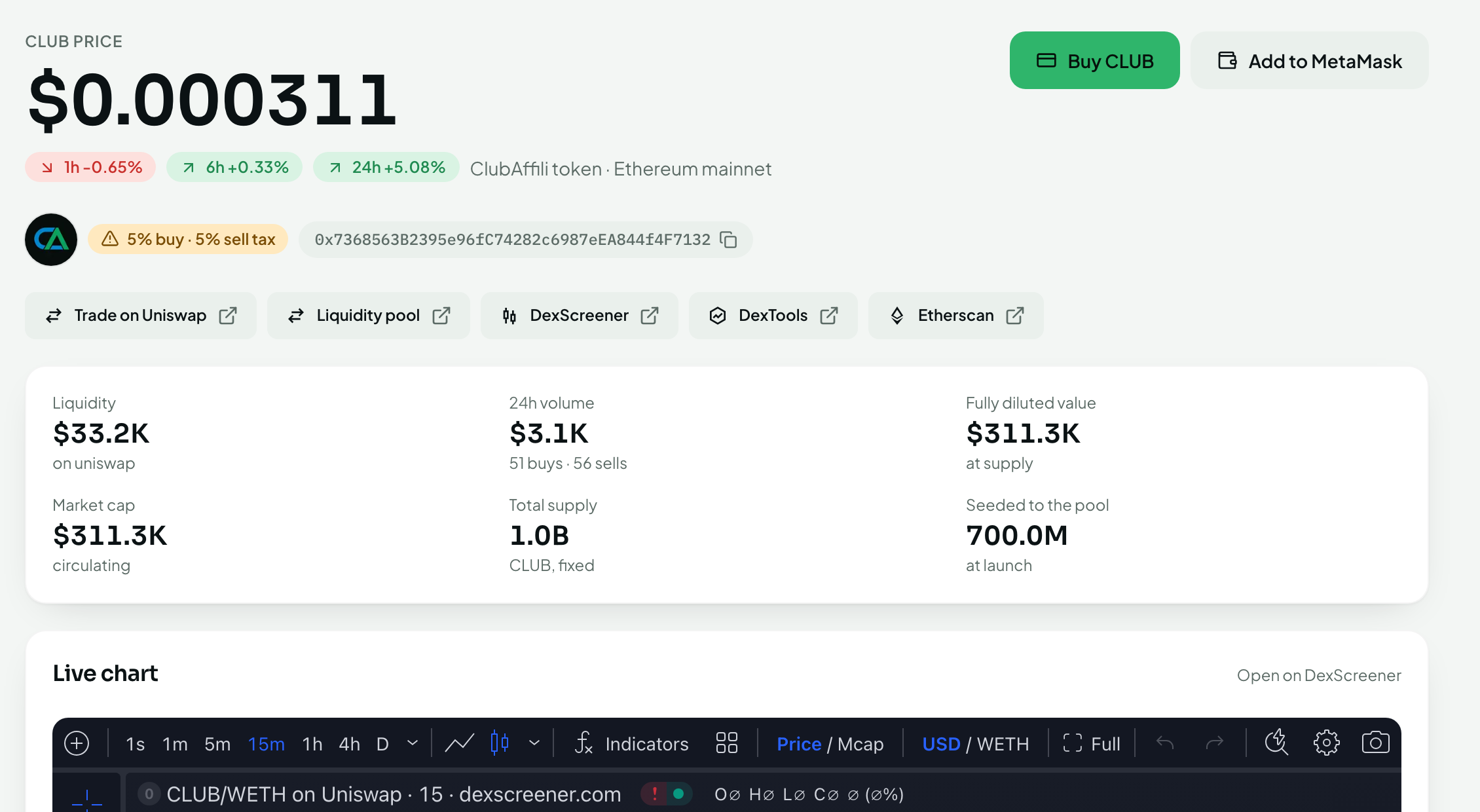
Before you start
A crypto wallet (e.g. MetaMask, Coinbase Wallet, Rabby or any WalletConnect-compatible wallet) that you control.
Your wallet connected and saved in ClubAffili — see How to connect your wallet.
Funds to pay with, using the payment methods shown on the Buy screen.
Steps
Log in to ClubAffili and open Club Token from the dashboard menu.
Click Buy Club Token.
Enter how much you want to buy. The screen shows the amount of Club Token you'll receive at the current rate, plus any network fee.
Choose your payment method and confirm.
If your wallet asks you to approve a transaction, review the details and approve it in the wallet.
Wait for the confirmation. Your new Club Token balance appears in your dashboard and in your wallet once the transaction is confirmed on the blockchain (usually within a few minutes).
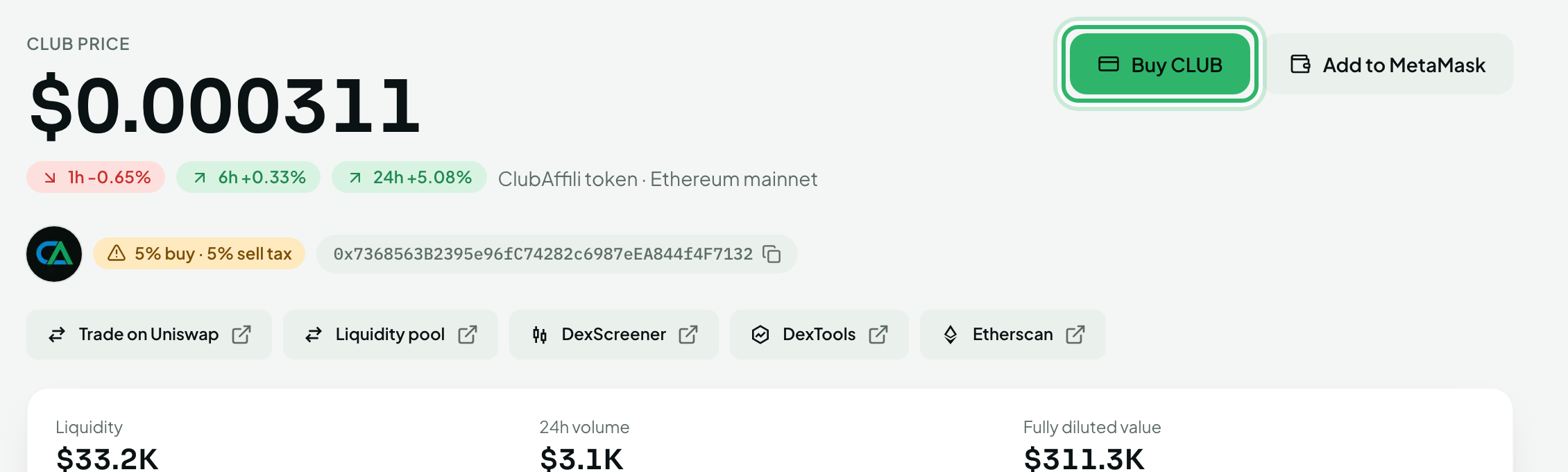
After buying
Stake it to earn Staking rewards and have it count toward Binary volume — see the Staking collection.
Use it to pay at partners with discounts and perks.
Hold it in your wallet — you keep full control at all times.
Troubleshooting
The purchase is confirmed but I don't see the tokens in my wallet. Add the Club Token contract address (shown on the Club Token page) to your wallet as a custom token so the balance displays. The tokens are there even if the wallet doesn't show them yet.
The transaction failed. Most failures are a lack of network gas in the wallet or a rejected wallet prompt. Check your wallet has a little of the network's native coin for gas and try again. If money was taken but no tokens arrived, contact support with the transaction hash.
Is there a minimum purchase? Any minimum is shown on the Buy screen. If you plan to stake, the default minimum stake is $50 worth of Club Token.